Restore a workspace from a backup
Recover uncommitted changes or recreate a workspace environment by restoring from a backup snapshot through the Che dashboard. When the restoration is complete, the dashboard opens the new workspace in a browser tab.
Prerequisites
-
You have backups enabled for your cluster.
-
You have identified a default registry or external registry backup image to use.
Procedure
-
On the Restore page, select the backup source:
-
Default registry: Select a backup from the list.
-
External registry: Provide a backup image URL.
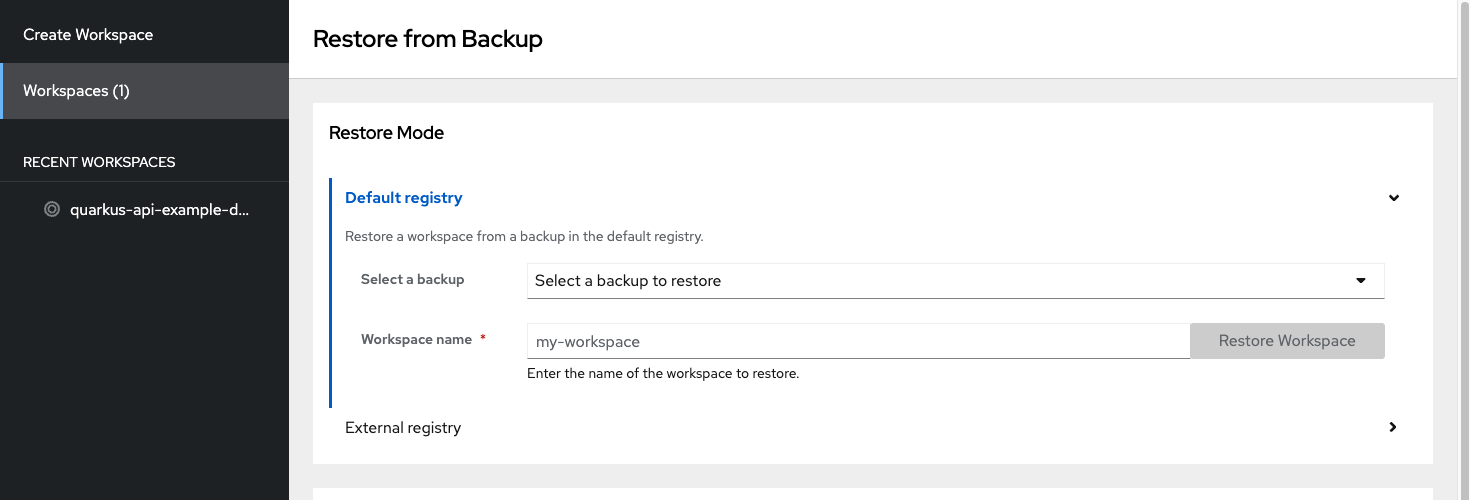 Figure 1. Restore mode and backup source selection
 -
-
Enter a name for the restored workspace.
-
Optional: Configure the memory limits, CPU limits, and the editor.
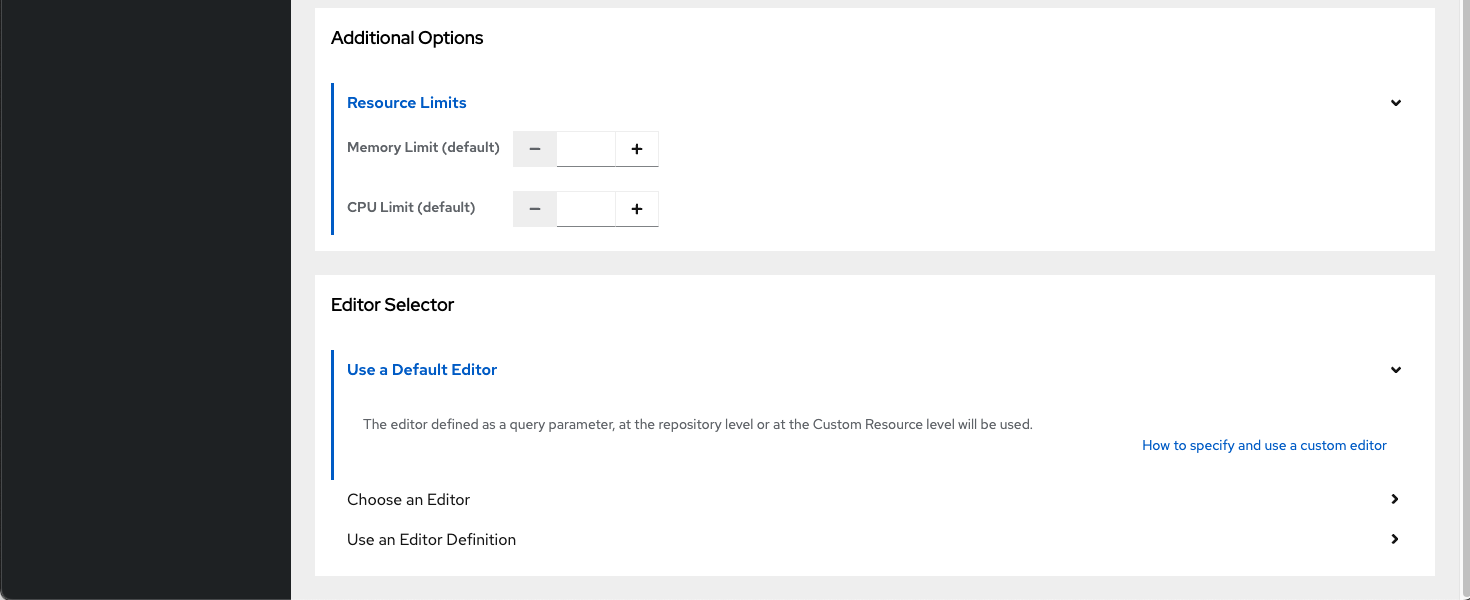 Figure 2. Resource limits and editor selection
 -
Click Restore Workspace and wait for the workspace to start.
Verification
-
Verify that the restored workspace opens in a new browser tab with the recovered source code.
Additional resources