View backups in the dashboard
Inspect the status of your workspace backups by viewing the list of available backups in the Che dashboard. The dashboard displays backups available in the default registry set by the administrator.
Prerequisites
-
You have a running Che instance.
-
You have backups enabled for your cluster.
Procedure
-
In the Che dashboard, click Workspaces.
-
Select the Backups tab to view available backups.
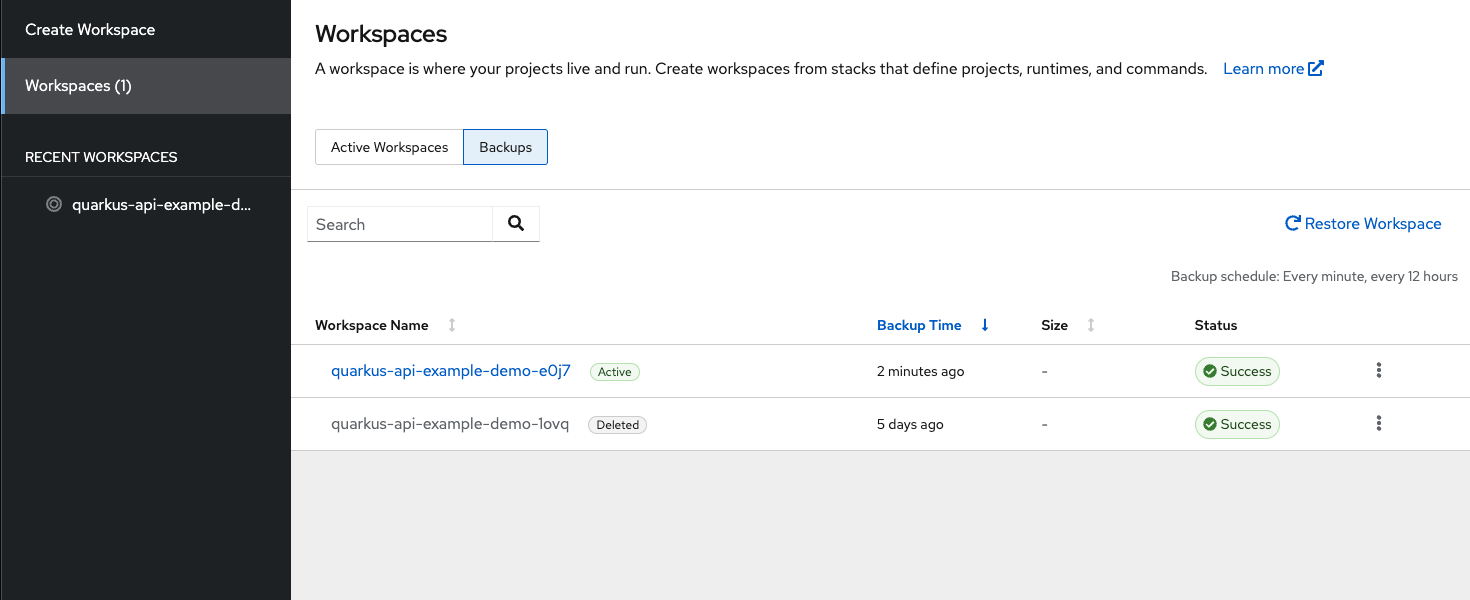 Figure 1. The Backups tab in the Workspace view
The Active tag represents backups for workspaces that still exist in the current cluster. The Deleted tag represents backups for workspaces that no longer exist in the current cluster.
Additional resources